How to make a product launch video from your website, step by step
Make a 40 to 60 second launch video from your real product: the story, the scenes, the song, the export settings and where to post it.

By Mahad Khalid, Founding EngineerPublished · Updated · 8 min read
To make a product launch video, decide the one thing it has to say, write it as five beats (problem, turn, product doing the job, proof, end card), build each beat from your real interface, cut it to a song, and export a 1920×1080, 60 fps MP4 of 40 to 60 seconds. By our estimate a first one takes one to four days in a motion tool; having one made from your website usually takes under an hour.
This guide is for founders and marketers making a launch video for Product Hunt, X, LinkedIn or a landing page without a video team. It follows how our films are planned and checked, written as steps you can follow with your own tools. Where a step takes skill or time, we say so. We sell launch videos too, and the last section says how ours are made and what they can't do.
Step 1: Decide the one thing your video says
A launch video has one job: make the right person think "that's for me" and click. Write one sentence before you open any tool:
[Who] can now [do what], without [the old pain].
For example: "Hiring managers can now shortlist on verified evidence, without trusting CV claims." That became the Verten Jobs film. If you can't fill in the sentence, the video won't fix it; sharpen the launch first.
Leave out everything that doesn't serve that sentence. A 50-second film has room for one idea, shown well. Your second and third features can have their own posts and videos later.
Step 2: Write the story as five beats
This is a plan we suggest, not a law. The timings are for a 50-second film; the last column shows where the 57.6-second Verten Jobs film does the same thing:
| Beat | Seconds | What it does | In the Verten Jobs film |
|---|---|---|---|
| 1. The problem | 0 to 6 | Names the pain in a few words | "Every CV makes claims." |
| 2. The turn | 6 to 12 | Asks the question your product answers | "Which claims hold up?", then "Search for proof." |
| 3. The product doing the job | 12 to 35 | One person, one task, in your real interface | An employer searches, a candidate is scored on evidence and moves to hired |
| 4. The proof | 35 to 45 | One number, result or customer | "11,000+ verified candidates", "380+ hiring employers" |
| 5. The end card | 45 to 50 | Logo, a one-line promise, your URL | "Hiring that starts with proof." jobs.verten.ai |
Write it as a list of on-screen lines first, like a storyboard in words. If each line is short enough to read in two seconds, you're close.
For beat 1, get readable words on screen within a second. All eight films we measured do; only two have them in the very first frame.
Step 3: Collect your material from your own website
Your website already holds almost everything the film needs:
- Logo as SVG or a large PNG.
- Colours: the exact hex values, from your site's CSS or design files.
- Fonts: the typefaces your site uses, so the film looks like your product.
- Real screens: your key pages and the one workflow from step 1. Take screenshots at full resolution (on a Mac, a Retina screenshot is twice the size of the window, which helps when you zoom in).
- Real numbers: customer counts, results and prices you can stand behind. Keep a note of which numbers are real and which are examples you made up for the story, and don't present made-up numbers as real.
Record your screen or rebuild it?
Screen recordings are quick and honest. Their limit is zoom: enlarging part of a recording enlarges its pixels, so small interface text goes soft.
Rebuilding the key parts of your interface as shapes and text in a motion tool keeps every frame sharp at any zoom and lets you move the camera freely. It takes longer, so a common middle ground is: record the workflow at the highest resolution you can, and rebuild only the two or three moments you zoom into.
Step 4: Pick the song first, then cut to it
Choose the music before you animate, because the music sets the timing of everything else.
- Find the tempo (beats per minute) with any free BPM tool, and mark the bars. At 100 BPM, one bar of four beats lasts 2.4 seconds.
- Put your big moments on the beat: the turn on a drop, the proof on the next, the logo on the song's final hit.
- Trim the song to your length at the end of a phrase, not mid-bar, so it ends cleanly.
- Add small interface sounds (clicks, whooshes) under the music for people who turn the sound on. We tune ours to the song's key so they sit in the music.
- Check the licence. A commercial song without a licence can get your video claimed or muted on YouTube, which matters for Product Hunt, where videos are added as a link. Use a song you own or a royalty-free track cleared for commercial use.
Step 5: Build the scenes
Use the tool you know. Founders most often mention:
- Jitter for animating interface mockups (1080p60 export from its Pro plan).
- Screen Studio for polished screen recordings with automatic zooms (Mac).
- Rotato for showing your screens inside 3D device mockups.
- After Effects or a code-based tool if you already use one.
While you build:
- Give the viewer someone to follow. A cursor labelled "You", or with your user's name, shows who is doing what.
- Move the camera instead of cutting. Push in on the part that matters, then pull out. In seven of the eight films we scanned, a scene-change filter flagged no hard cuts at a threshold of 0.2.
- Keep text short and big. Watch a draft at phone size; if you can't read a line, cut words or make it bigger.
- One idea on screen at a time. If two things move at once, the viewer reads neither.
Step 6: Check it like a stranger would
Before exporting the final version:
- Watch it muted, on a phone. Does the story still make sense? It has to, because many people will first see it that way in a feed.
- Pause on each beat. Every pause should be a clean frame: no half-faded text, nothing touching the edges, no typos.
- Show it to someone who doesn't know the product and ask them what it does. If they can't say it in one sentence, go back to step 1.
- Check the loudness. The two films in our case studies measured −15.5 and −16.1 LUFS integrated, which is a sensible range to aim for.
Step 7: Export and post it
These settings suit YouTube, X and LinkedIn:
| Setting | Value |
|---|---|
| Resolution | 1920×1080 (16:9) |
| Frame rate | 60 fps (30 fps is fine for slow motion graphics) |
| Format | MP4, H.264 video, AAC audio |
| Bitrate | about 12 Mbps for 1080p60, YouTube's recommendation (YouTube Help) |
| Length | 40 to 60 seconds |
Then post it where your launch happens:
- Product Hunt: upload to YouTube a day early and add the link to your gallery. Our Product Hunt launch video guide has every spec.
- X and LinkedIn: upload the MP4 itself, not a link, so it plays in the feed. Our LinkedIn launch video guide has its limits and the frame rate to use if you boost the post.
- Your landing page: a muted, looping version near the top, with a poster image so the page loads fast.
How long does it take to make a launch video yourself?
One to four days for the first one, by our estimate, and 5 to 9 hours once you know your tool.
| Step | Time, first video | Time, once you know your tool |
|---|---|---|
| One sentence and five beats | 1 to 2 hours | 30 minutes |
| Collecting material | 1 to 2 hours | 30 minutes |
| Song and timing | 1 to 2 hours | 30 minutes |
| Building scenes | 1 to 3 days | 3 to 6 hours |
| Checks and export | 2 to 3 hours | 1 hour |
These are our estimates, not measurements of other people's work. One maker on Product Hunt's forum made theirs in Jitter in about three hours while learning the tool, so a simple film can be much faster. If your launch is in two days and you haven't started, see how to get a launch video today; our cost guide compares every route's price.
Or: have it made from your website
This is what Launch Videos (launchvideos.app) does. You paste your website or upload up to 10 screenshots (screenshots work for apps behind a login), and add a song and notes if you like. Claude, Anthropic's AI model, directs the film: it reads your site, takes your logo, colours and fonts, writes the five beats, builds every scene in code from your real interface and cuts it to the song. No stock footage and no AI video model.
- The finished film is a 1920×1080, 60 fps MP4, usually 40 to 60 seconds, usually ready within the hour. If it isn't on your dashboard within 24 hours of paying, you get a full refund.
- One change is free within 48 hours, and you keep the original.
- It's $30 a film, or a monthly plan.
- Of the 79 complete films our studio made from 20 October to 22 November 2026 (customers', samples and our own), the median took 34 minutes from request to finished file, 73 took under an hour and the slowest took 102 minutes. All 79 came out at 1920×1080 and 60 fps.
The limits: no voiceover, no footage of people, and every film is 16:9. Watch eight films made this way to judge the quality yourself.
FAQ
What is a product launch video?
A short video, usually 30 to 60 seconds, that announces a new product or a major feature and shows it working. It's made for the places a launch happens: Product Hunt, X, LinkedIn, a landing page or an email.
What's the difference between a launch video and a demo video?
A launch video sells one idea in under a minute and is built to be shared. A demo video walks through how the product works, often for several minutes, for people already interested. Make the launch video first; it's the one most people see.
Can I make a launch video with AI?
Yes, in two different ways. Some AI tools generate footage, which can drift from what your product really looks like. Others, like ours, use AI to plan and build the film from your real interface, so the screens match your product.
Do I need my own music?
No, but the song shapes the film, so choose it on purpose. Use one you have the rights to, or a royalty-free track cleared for commercial use.
Read next
-
Examples
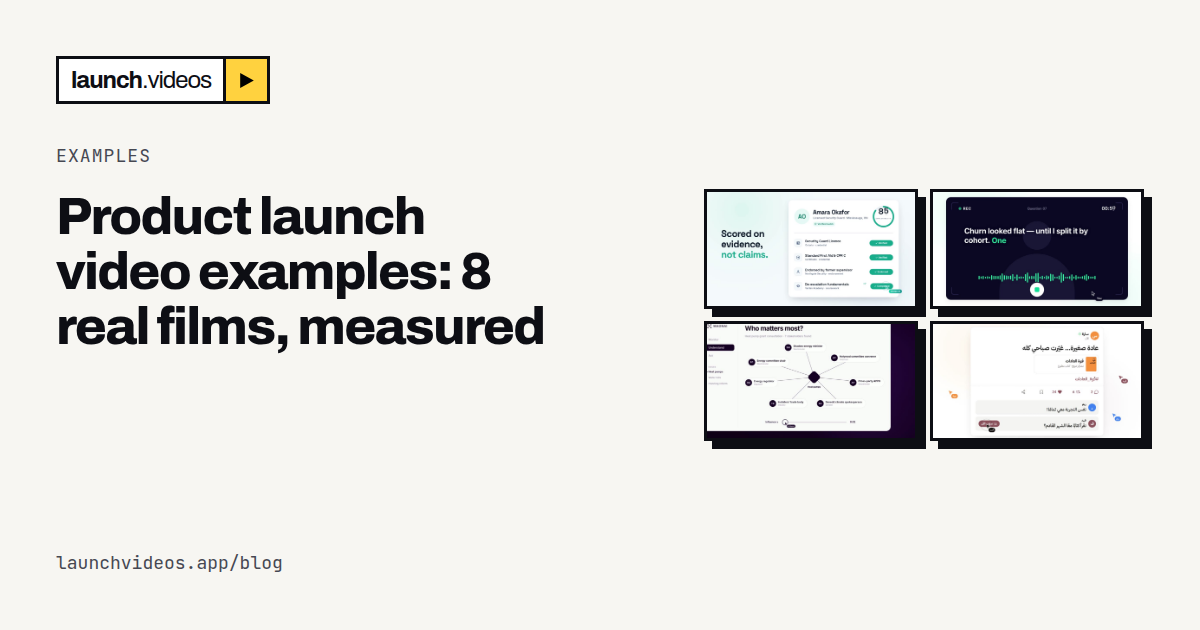
Product launch video examples: 8 real films, measured
Eight real launch videos made from product websites, with their length, first words, structure and ending measured, and what to copy from each.
· 8 min read
-
Costs and buying
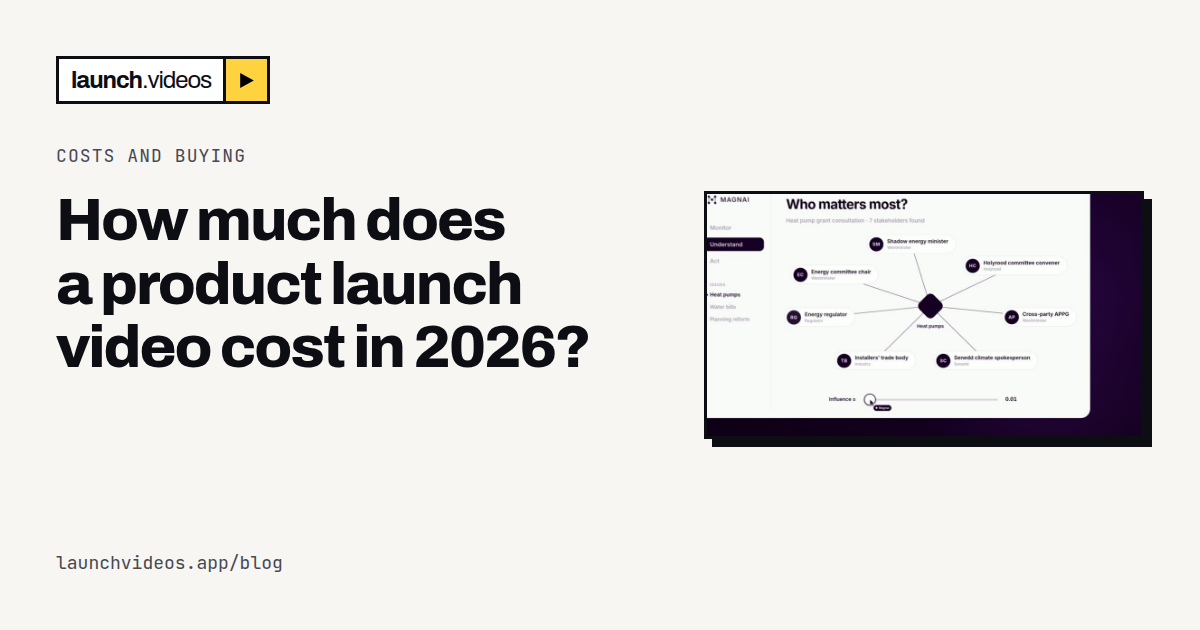
How much does a product launch video cost in 2026?
What a product launch video costs in 2026 from agencies, freelancers, AI tools, DIY software and done-for-you services, with the source of each price.
· 6 min read
-
Launch platforms
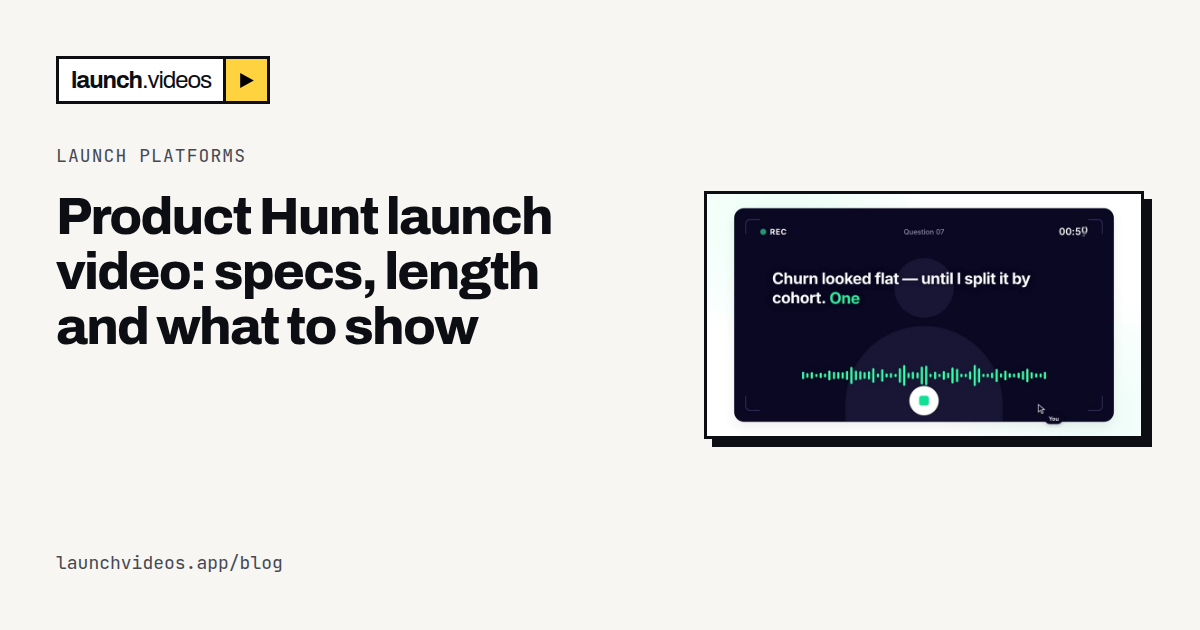
Product Hunt launch video: specs, length and what to show
What Product Hunt accepts for a launch video, where it shows, how long it should be and what to put in the first five seconds, from a team that just launched.
· 6 min read